
OUTSTANDING TINY DESK GUIDE
Tiny Desk AI Prompt: Examples and a Photo-to-Video Guide
A Tiny Desk AI prompt describes the people, roles, setting or performance you want in a desk-concert-style video. This independent studio creates a 19-second vertical video from one lead photo and up to four optional bandmate photos; it supplies the core instructions automatically. It is not affiliated with NPR or its Tiny Desk series.
Do I need a Tiny Desk AI prompt?
No prompt is required in this studio. Select the lead photo, assign any optional bandmates, choose a resolution and review the credit cost. You may enter an optional outfit idea; it is a styling request rather than a promise that clothing will match exactly.
A general-purpose video tool may require a description of each shot and accept a different combination of reference media. Check its input limits before reusing the examples below. This site uses its own reference video and soundtrack, so you do not need to upload those references yourself.
What should a lead singer prompt say?
Identify the subject and the role before describing the environment. Use a clear photo with an unobstructed face; if you have permission to use someone else’s photo, choose one that makes that person recognizable.
Avoid promising that a prompt will reproduce a particular real person or song perfectly. A model may change facial details, clothing or timing even when the reference is clear. Review the result before sharing.
A lead singer stands behind a desk and performs into a microphone in a small, warm room. Use the supplied portrait for the lead.
How can I describe backing singers and a band?
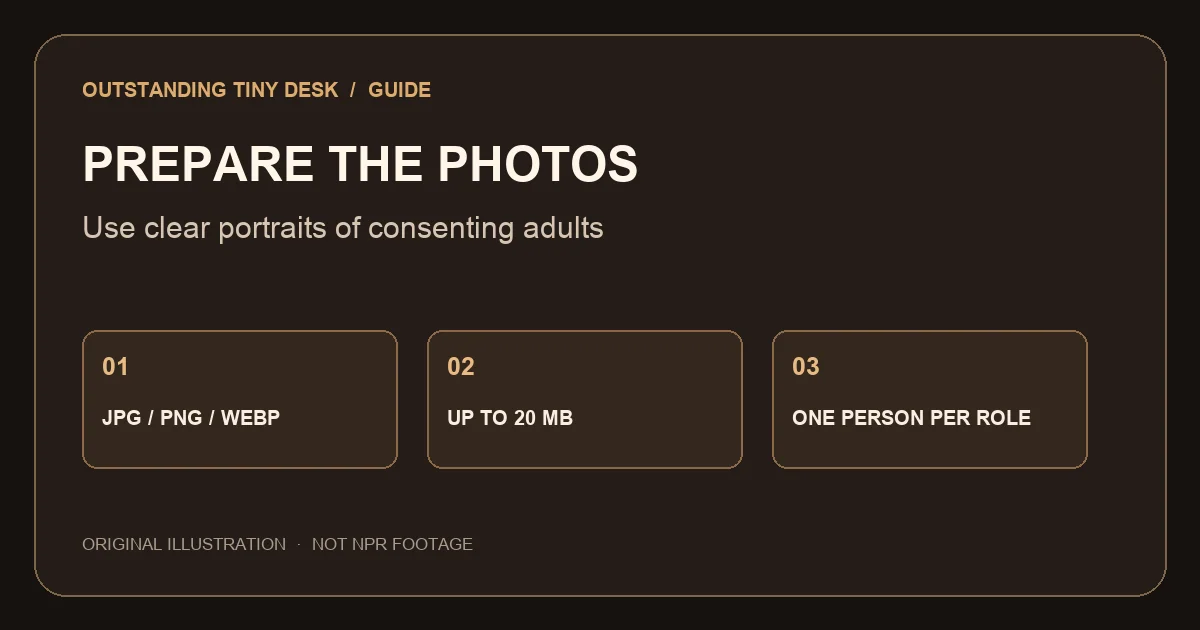
Give each reference image one explicit job: lead singer, left backing singer, right backing singer, keyboard player or saxophone player. In this studio left and right are viewed from the audience’s perspective. Unassigned roles may be filled by other adult musicians.
The prompt examples here are general writing aids. The studio uses its own role mapping, and there is no text box for overriding its complete production prompt.
Two backing singers stand on either side of the lead while the keyboard player performs at the desk.
How do I write saxophone, reaction and ending shots?
An instrumental shot should describe who plays and which instrument appears. A reaction shot should describe the action without requiring that all performers remain visible. For an ending, describe the cast finishing together and the room staying consistent.
If you use a separate editing tool, a shot-by-shot outline can help you select usable moments. This studio produces a single 19-second video rather than five editable shots; generated cuts and results can vary.
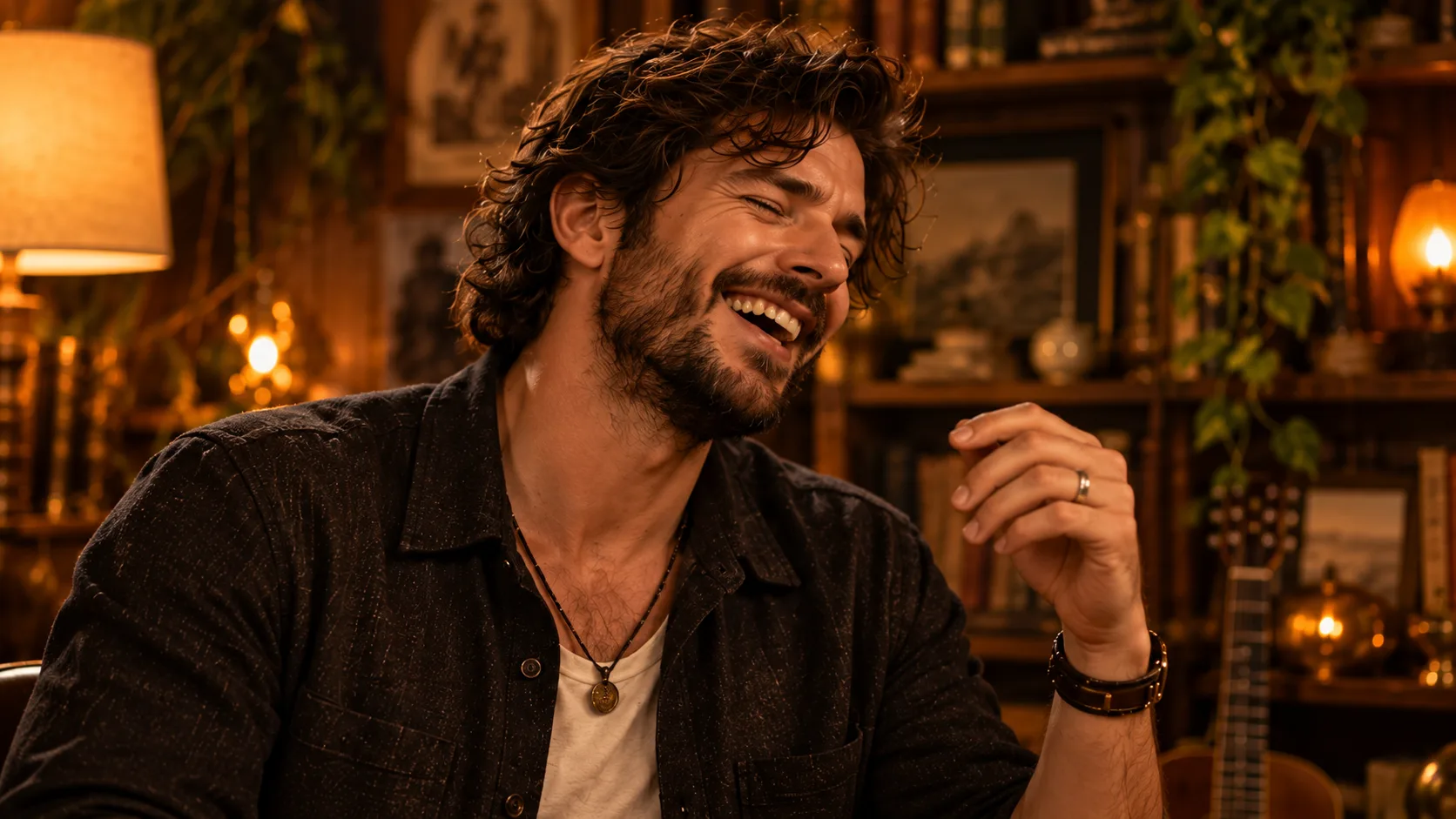
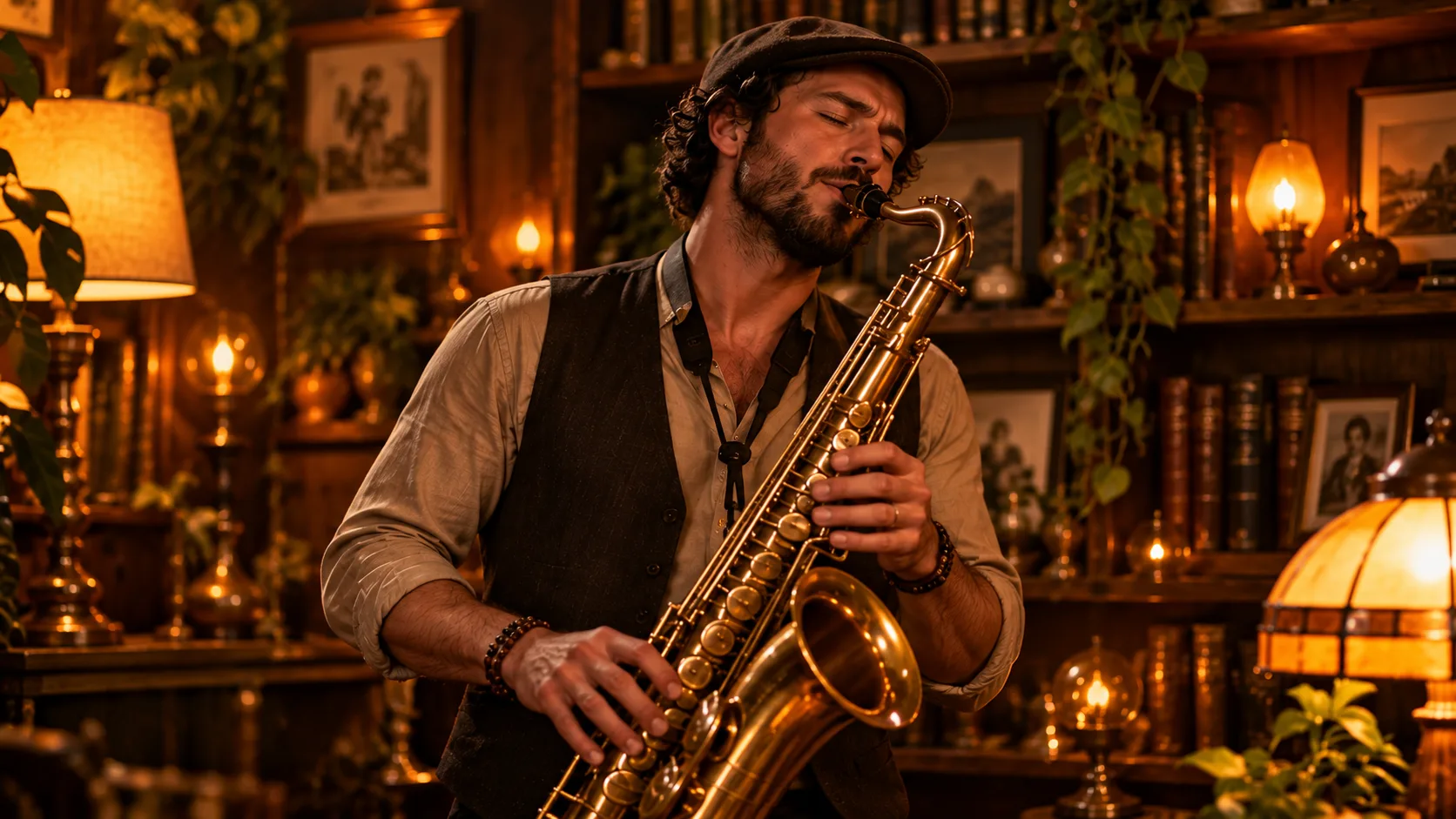
Sax: a musician plays beside the desk. Reaction: the lead smiles between phrases. Ending: the band finishes together.
How do I use ChatGPT with this workflow?
A writing assistant can help draft a role list or an outfit idea. The generation flow on this site still begins by uploading photos into the studio; text typed elsewhere does not assign a face to a role here.
Video capabilities differ by product and plan. For this site, use the photo slots as the authoritative role assignment and the optional outfit field only for styling.
Why might a prompt not match the final video?
A reference is not a pixel-perfect replacement. Similar-looking portraits, an obscured face or several conflicting requests can make identity and role assignment harder. Use distinct, front-facing photos and verify the selected slot before submitting.
Watch the whole result for facial changes, unexpected performers, saxophone placement and alignment with the soundtrack. A failed task restores its credits; a completed result whose quality differs from expectations should be discussed with support rather than described as automatically refundable.
How should I organize several photo references?
Start by writing a simple cast list before uploading: lead, left backing singer, right backing singer, keyboard and saxophone. Decide which consenting adult belongs in each position. In the studio, use the photo slot itself for the assignment; mentioning someone’s name in an outfit description will not reliably connect that person to a role.
Choose images where each face is large enough to see. Photos with several people, dark sunglasses, strong shadows, masks or a face turned away give the model less facial information. Different lighting and camera angles can also make two photos of the same person look less alike to a model. A clear portrait is useful guidance, not a guarantee of identity preservation.
You can leave any optional role empty. The site may add an adult musician for an empty position, and a generated scene may still include an unexpected person despite the instructions. If the exact number of people matters to your project, watch every shot before deciding whether to use the result.
What can I change when a person appears in the wrong role?
First compare the photos in the role slots with your cast list. The two backing-singer positions are labeled from the viewer’s perspective, not from the performers’ perspective. If a photo is in the wrong slot, remove it from that slot and upload it to the intended one before creating another task.
If the slot assignments are correct but a completed video swaps people, changes a face or puts an instrument with the wrong person, that is a generation-quality issue. Check whether a different, clearer reference is available with the person’s consent. Another attempt is a new generation and uses the displayed credits unless the task fails.
Removing a photo from a slot only removes it from the current form. It does not erase the stored upload. For deletion requests, contact support from the email associated with your account.
Why can the words and performance be out of time?
The studio passes its video and audio references with instructions about performance timing. It then adds the studio soundtrack to the finished file. The audio can begin at the expected time while the generated singer’s mouth movements still fail to match the vocal: these are different parts of the process.
Watch the whole clip with sound before posting. Pay attention to pauses as well as singing, and check the saxophone passage separately. A written instruction cannot promise exact phoneme alignment. If a task completes but the result is unsuitable, contact support with its task and order details; completed-quality issues are not the same as failed tasks.
How do I compare a shot list with the one-shot studio?
A shot list is a planning document: it says what should be seen at particular moments. In an editor that accepts clips, you might select or rearrange separate takes. This studio creates one 19-second result and does not expose controls to replace a single shot or independently set the duration of each section.
If a prompt-heavy workflow provides a reference-video input, check whether it treats that input as motion guidance, an editable source or a first frame; those are different operations. Confirm which rights and model limits apply to the tool you actually use. The five examples above are starting points, not copies of the studio’s internal prompt.
How can I make a prompt easier to review?
Separate the requests into four lines: who is in the shot, what role each person has, what happens, and which reference controls the scene. If the same portrait is assigned to more than one role, write that explicitly. If the people should look different, use distinct portraits rather than relying on different job titles to create different faces.
Keep camera directions compatible with the task. A wide shot can show the group and instruments; a close-up makes an expression easier to inspect but may leave other members outside the frame. A cut between those shots does not require a person to disappear from the band. Describe the desired sequence instead of asking for every person to be visible at every moment.
In this studio the five illustrated shot prompts are educational examples, not separate controls. The site supplies its own prompt, reference video and audio. Use the visible role slots to set identities and use the optional outfit field for clothing; there is no input for changing the number or order of shots.
After creation, compare each assigned role against the input. Check the lead, left backing singer, right backing singer, keyboard player and saxophone player independently. If you find a mismatch, identify the shot and the slot in your support request. A precise observation is more useful than saying only that the whole video is wrong.
Five shot prompt examples
These are writing examples for tools that accept free-form prompts. This studio builds its own full instructions from photo slots; it does not accept a custom shot list.
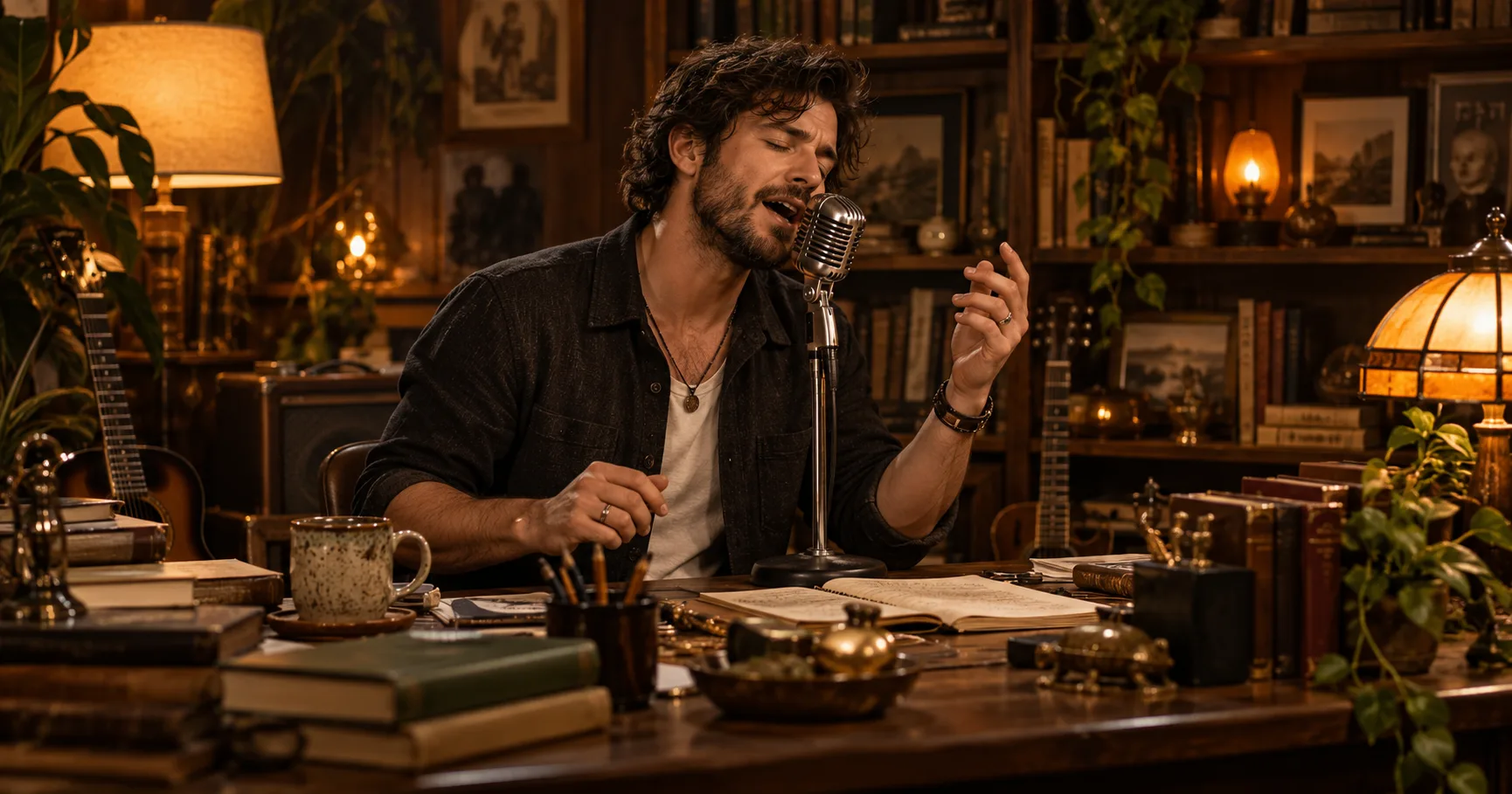
Lead singer
A lead vocalist performs beside a crowded desk. Use the supplied portrait as the lead reference, with a microphone in front of the singer.
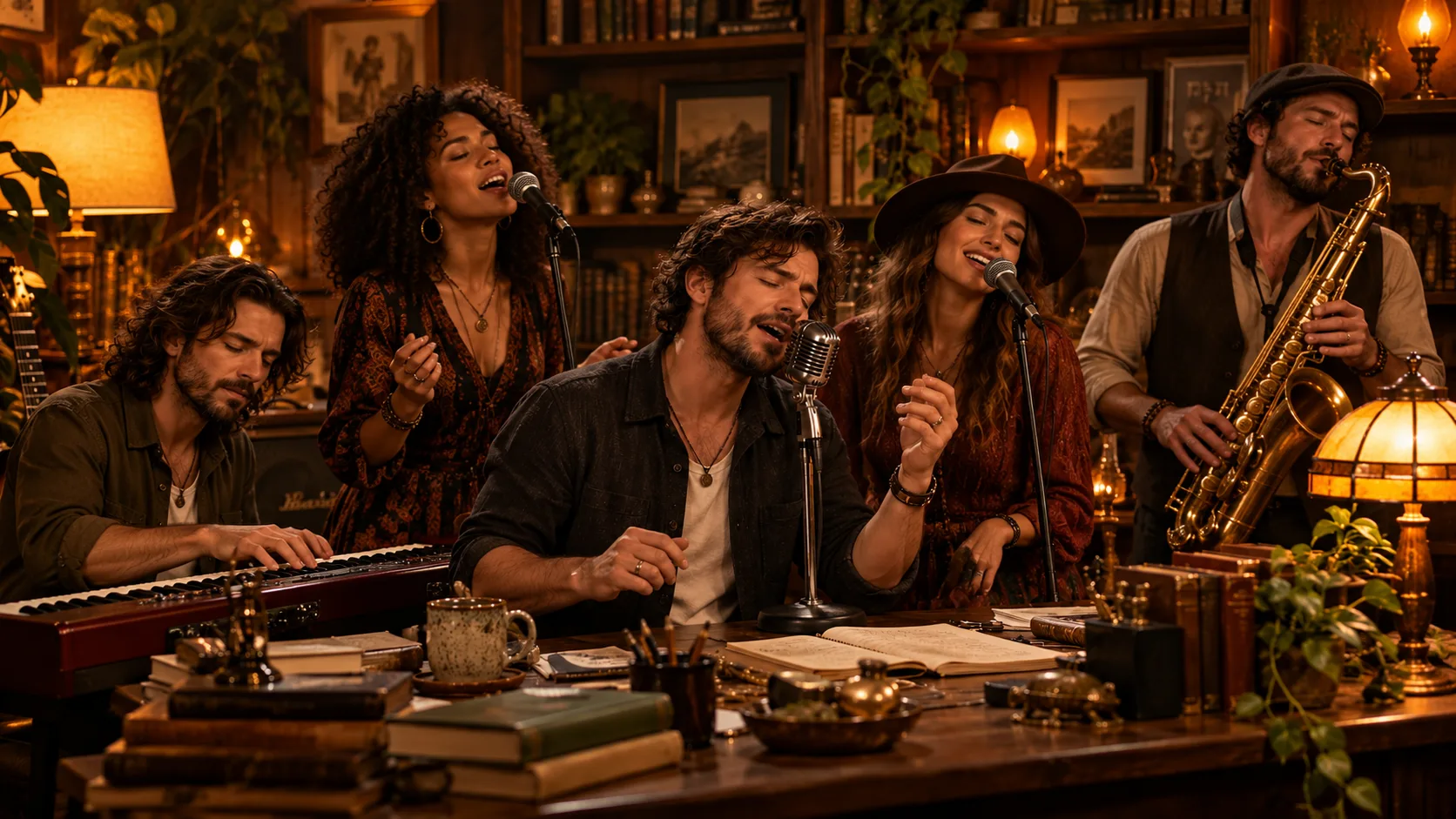
Band
Show a compact band around a desk, with a keyboard player and two backing singers. Give each assigned reference its specified role.
Laugh
The lead singer laughs between musical phrases while the band remains in the same warm room.
Saxophone
A saxophone player performs an instrumental passage near the desk. Use the assigned reference for that musician.
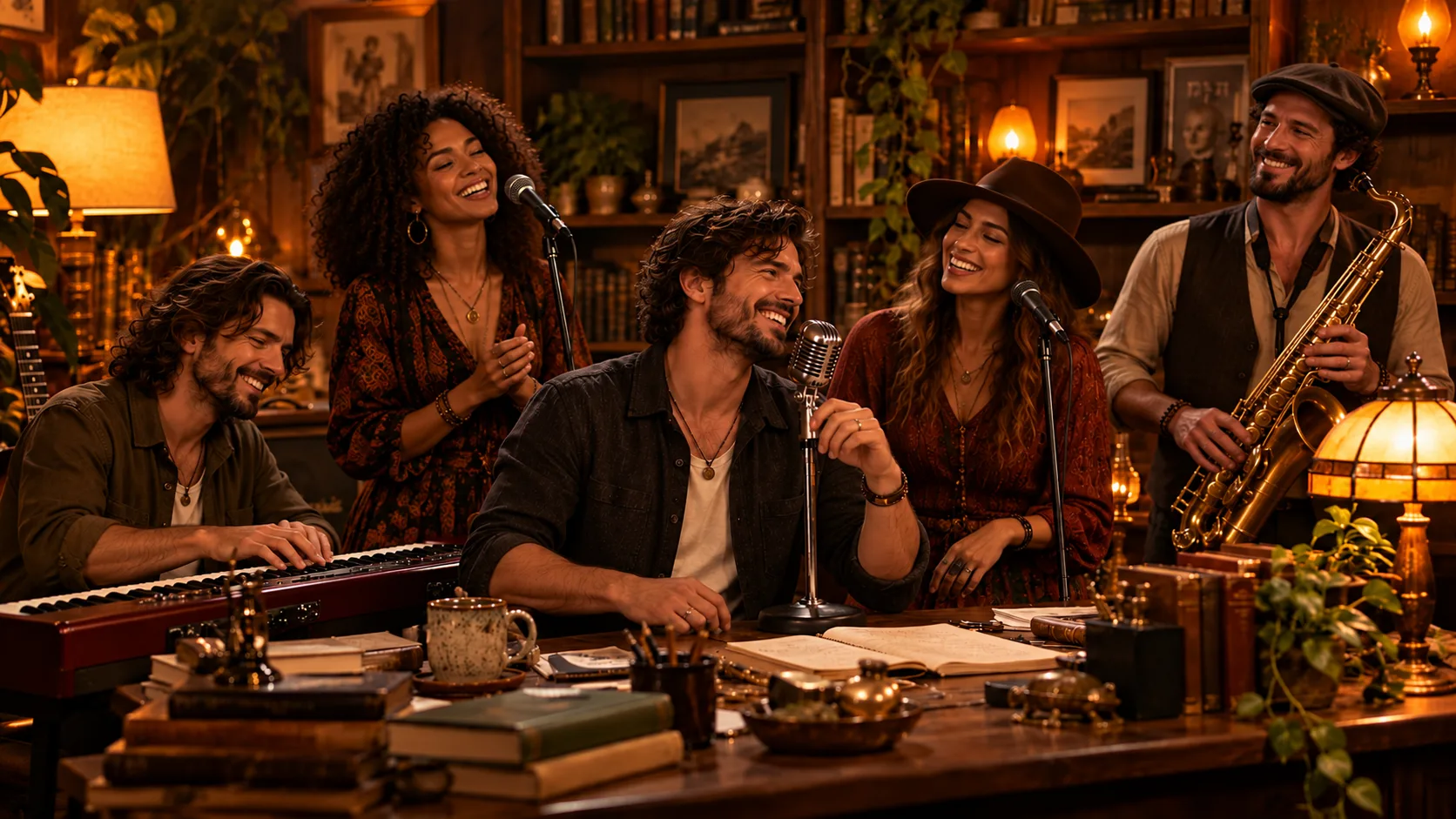
Ending
The performers finish together behind the desk and smile as the performance ends.
See a studio example
This example shows the site’s vertical video format. Generated results vary.
Studio example, not NPR footage.
Frequently asked questions
Can I enter a full custom prompt on this site?
No. The studio builds its own instructions from role photos. You can add an optional outfit idea.
Can a prompt guarantee identical faces or perfect lip sync?
No. Generated identity and timing can vary. Review the result before sharing.
How many photos do I need?
One lead photo is required; four bandmate photos are optional. JPG, PNG and WebP files can be up to 20 MB and must be over 300 and under 6,000 pixels on each side, with a width-to-height ratio greater than 0.4 and less than 2.5. Use photos of consenting adults.
How much does a video cost?
A 19-second video costs 10 credits at 480p, 60 at 720p, or 120 at 1080p. A one-time 10-credit pack starts at $9.90.
Is a prompt required?
No. The studio constructs its own instructions from the role photos and settings. An outfit description is optional.
Is this the official NPR Tiny Desk?
No. This is an independent fan tool and is not affiliated with NPR, Tiny Desk, Charlie Wilson or The Gap Band.
Is there a watermark?
The studio does not add a site watermark to videos created by free accounts. Provider output can vary.
Can I use a phone?
Yes. The studio works in a mobile browser; upload and download behavior depends on the device and browser.
Explore related guides
Outstanding Tiny Desk meme · How to make a video · Prompt guide · AI vs face swap · Pricing
Tiny Desk Concert AI: Make a Desk-Concert-Style Video · ChatGPT Tiny Desk: From a Prompt to a Desk-Concert Video · Seedance Tiny Desk: Model, Resolution and Credits · Outstanding Tiny Desk AI: Photo-to-Video Generator · Tiny Desk AI vs Face Swap: Compare the Workflows · Tiny Desk AI TikTok: Preparing and Sharing a Vertical Video · Charlie Wilson Tiny Desk AI: Performance, Parody and Your Own Video
Make your desk-concert video
Upload a lead photo, assign any optional roles and review the credit cost in the studio.
Open the generator