
OUTSTANDING TINY DESK GUIDE
Tiny Desk AI TikTok: Preparing and Sharing a Vertical Video
A Tiny Desk AI TikTok video is a desk-concert-style clip prepared for a vertical social feed. This independent studio creates a 19-second 9:16 video from a lead photo and up to four optional bandmate photos, with its soundtrack included. It is not affiliated with TikTok, NPR, Tiny Desk or the featured artists.
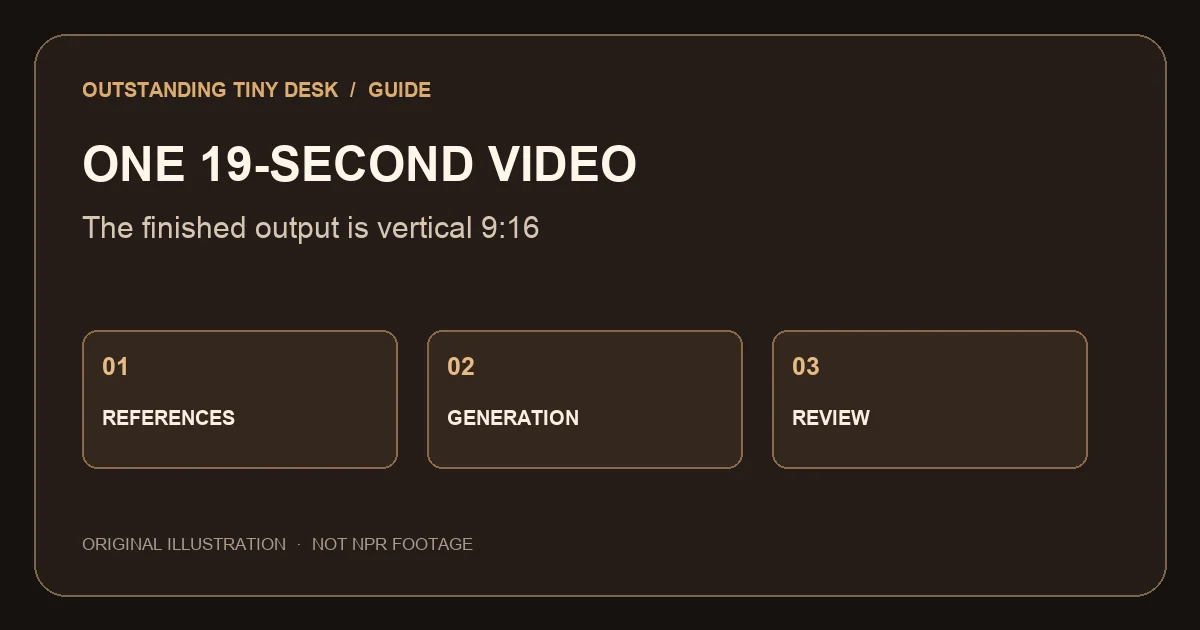
What format does the studio export?
The finished file is a 19-second vertical 9:16 video. Choose 480p, 720p or 1080p before starting; the video duration stays the same at each setting. Watch the full file after download on the device you intend to use.
Cropping, compression and display behavior depend on the destination platform. Avoid putting essential text near the edge where controls may cover it. The studio does not provide a separate custom-audio upload or a silent export control.
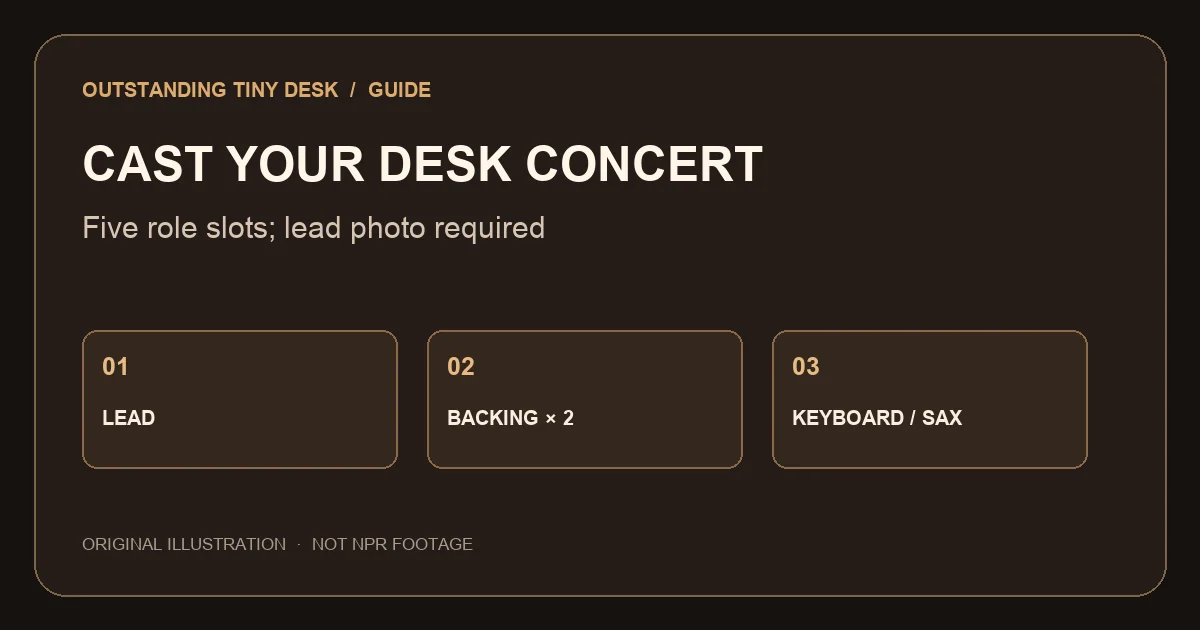
How do I prepare a group cast?
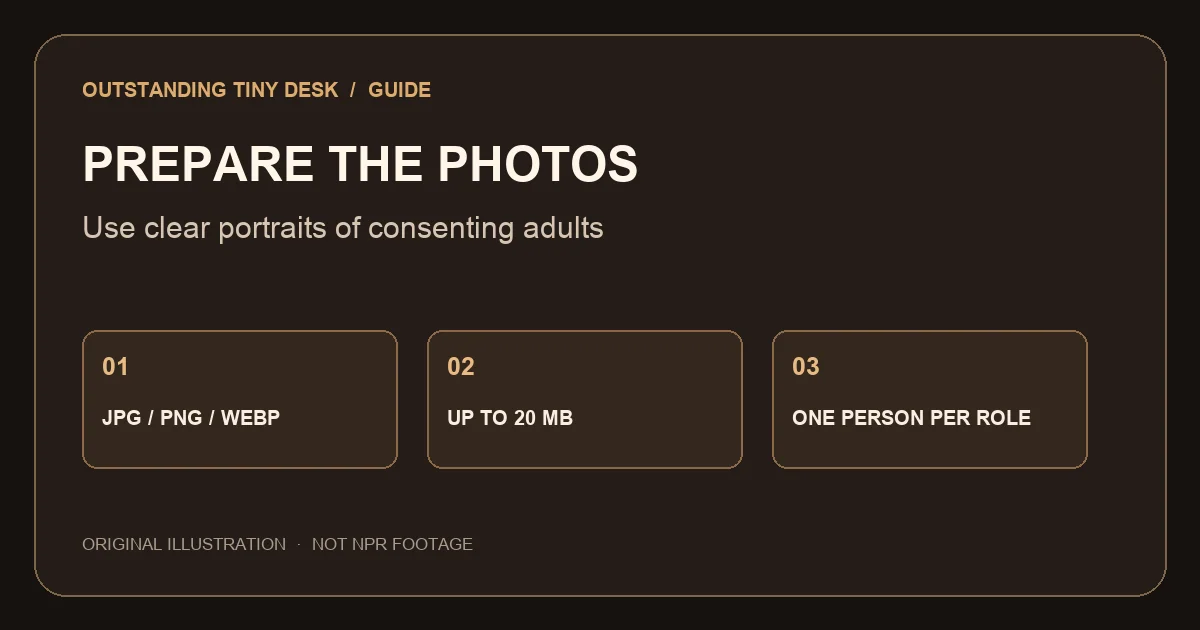
One lead photo is required; four bandmate photos are optional. JPG, PNG and WebP files can be up to 20 MB and must be over 300 and under 6,000 pixels on each side, with a width-to-height ratio greater than 0.4 and less than 2.5. Use photos of consenting adults.
Assign each optional role intentionally. Left and right correspond to the viewer’s perspective. When a role has no photo, the AI may add another adult musician; the final cast can still vary.
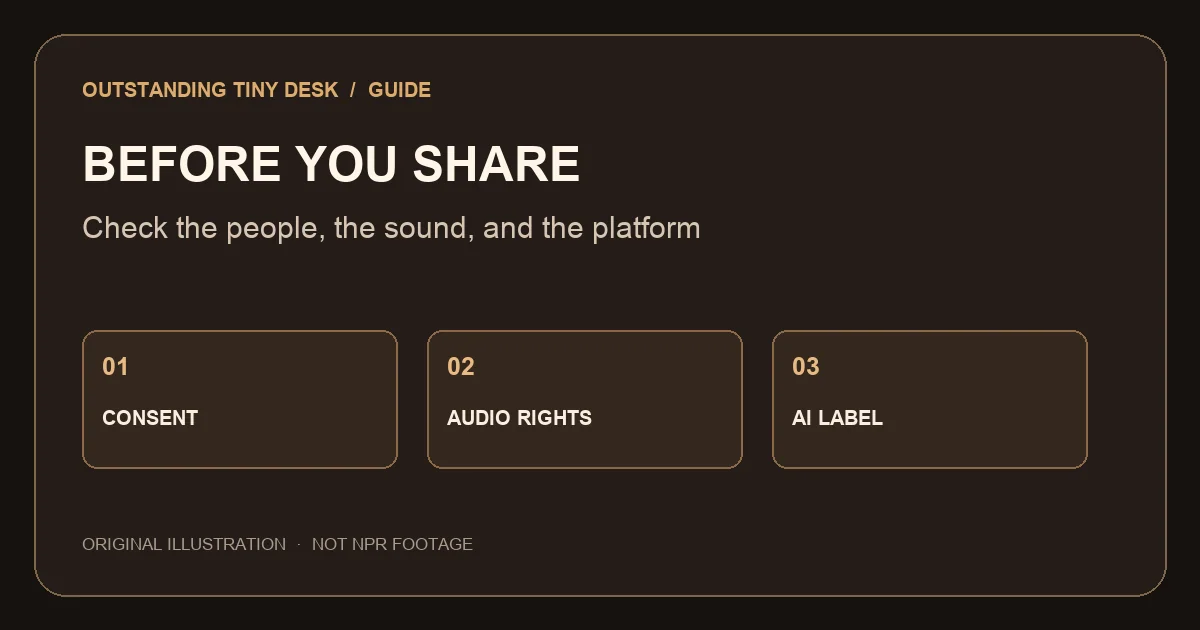
What should I check before sharing?
Confirm that every pictured person is an adult who consented to the use of their likeness. Do not imply that a generated performance actually happened. Check the destination platform’s current AI-labeling and impersonation rules, and label the clip if required.
The studio soundtrack is included in the file, but access to the file is not a separate license to publish its music on every platform. Obtain any required rights and check platform-specific audio restrictions.
How much does a clip cost?
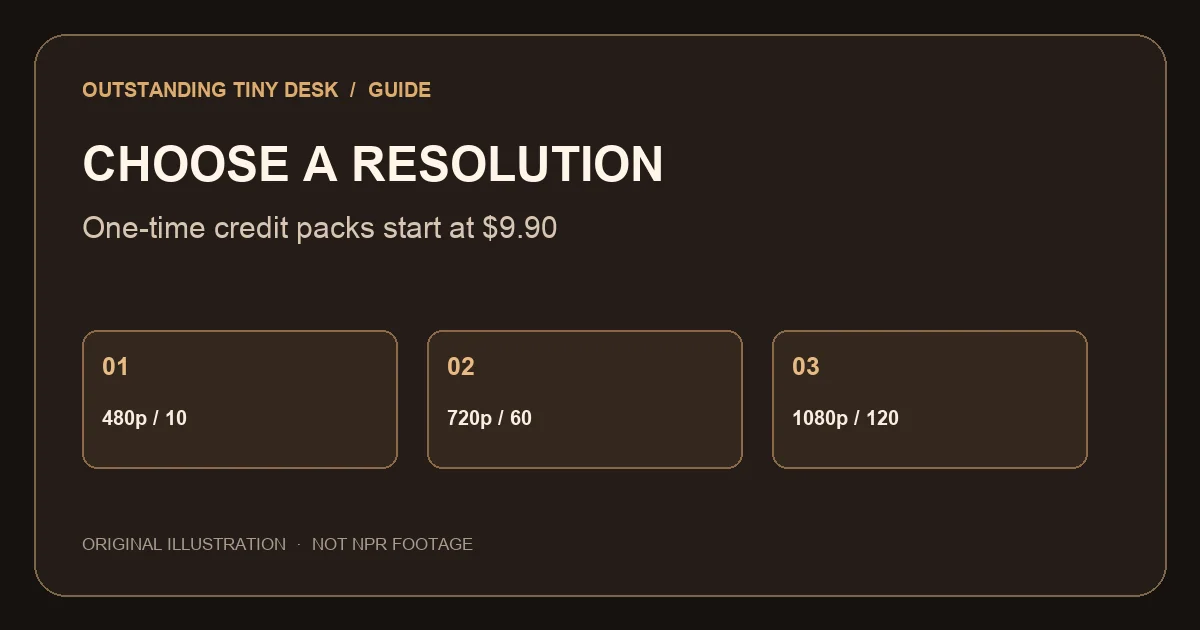
A 19-second video costs 10 credits at 480p, 60 at 720p, or 120 at 1080p. A one-time 10-credit pack starts at $9.90.
The studio shows the cost before submission. Credits are restored when generation fails; payment refund requests and quality complaints are reviewed by support.
What should I inspect in the video?
Check each face across different shots, listen to the entire soundtrack and look for unintended people or swapped instruments. Photos and reference instructions guide the model, but generated likeness and lip movements can vary.
If the result is unclear, compare it with the original inputs. A clearer face or a different role photo may help, but another attempt consumes credits unless a task fails.
What caption can I use?
Use a neutral caption that makes the generated nature of the clip clear and reflects the people who agreed to appear. Avoid implying an endorsement by an artist, venue or broadcaster.
An AI-generated desk concert with our group. Everyone pictured gave permission to use their photo.
How do I plan a group video before uploading?
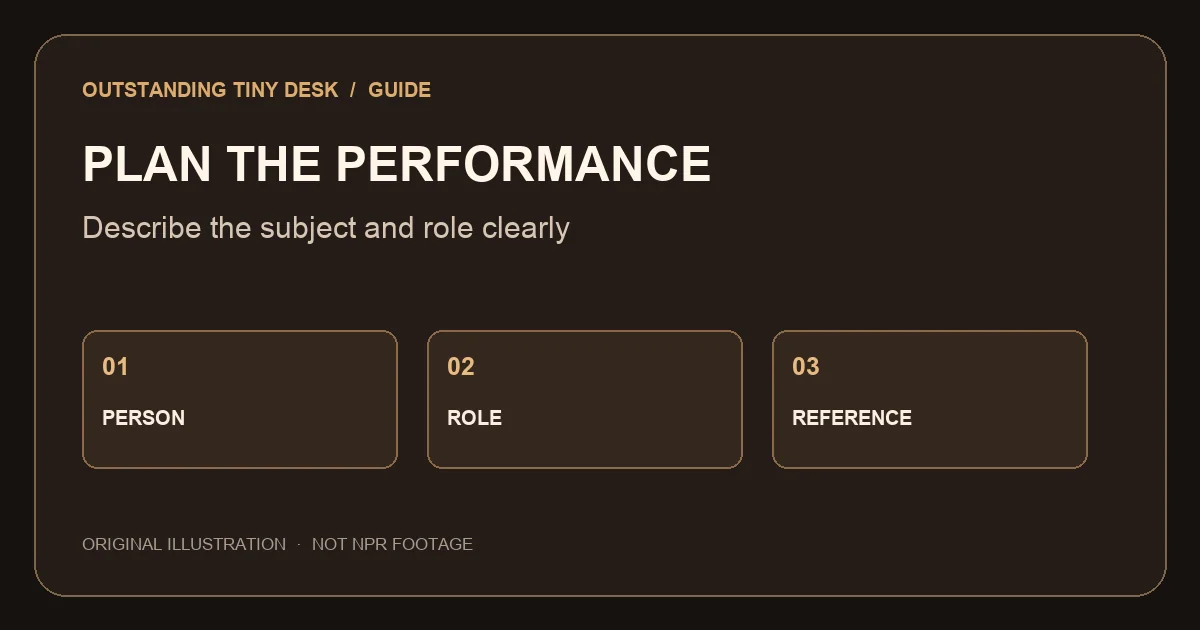
Ask each adult whose image you plan to use for permission, and tell them where you intend to share the result. A person agreeing to appear in a private test may not agree to a public post. Confirm the intended audience and whether you may tag them. Keep the downloaded file available for a final review on the posting device, because a small thumbnail can hide identity changes. Choose separate photos and decide who will be the lead, the two backing singers, the keyboard player and the saxophone player.
The lead is required; the four other roles are optional. Leaving a slot empty is not a request for an empty stage. The model may fill open roles with other adult musicians. If the model includes extra people, do not describe that result as an exact recreation of your group.
What should I check in the first and last seconds?
Play the video from the beginning rather than only viewing the thumbnail. Check that the opening shot shows the intended lead and that the sound begins as expected. Then inspect the ending for cut-off performance, identity changes or an additional person. The site creates a fixed 19-second result; there is no duration selector in this studio.
Watch the middle sections too. A face can look close to the reference in one shot and change in another, and the saxophone may move to a different performer. If the person shown is not the person who consented, do not assume a clear opening frame makes the rest of the video acceptable.
What is the difference between a failed task and a quality complaint?
When generation fails, the task system restores its credits. Open My Creations and check both the task status and balance. If the restoration does not appear, contact support with the task details. A credit restoration is not automatically a refund to the original payment method.
A video that finishes but does not match a photo or soundtrack is a quality complaint. Save the relevant task and order numbers and tell support what happened. Another attempt is a separate generation with the displayed credit cost; do not assume that a completed result triggers an automatic credit return.
How should I handle sound when posting?
The exported video includes the studio soundtrack. This site does not provide a button to replace it with a custom recording, upload a voice or export a silent copy. A separate editing or social app may have its own controls, but those capabilities and platform policies are outside this studio.
Check that your planned use is covered by the applicable rights before publishing. A platform may make different audio available depending on account type, region or use. A file containing a soundtrack should not be treated as a blanket license for every social platform, advertisement or commercial campaign.
What can I put in a neutral post description?
Say that the video was made with AI and identify the context without suggesting that a broadcaster, performer or venue endorsed it. A caption can also explain that the participants agreed to use of their photos. Follow the platform’s own current rules for labeling AI media; caption wording alone may not replace a required platform label.
For example: “Our group in an AI-generated desk-concert-style video, made with everyone’s permission.” If a person asks not to be shown, obtain a different reference or do not post that version. Avoid tags or wording that would make a generated performance look like a genuine live appearance.
How do I prepare a clear caption for different audiences?
A caption should describe what a viewer can see and whether it was generated. For a private group: “Our AI-generated desk concert, made with everyone’s permission.” For a birthday: “A fictional AI performance for our birthday celebration.” For a band practice group: “An AI-made desk-concert idea using our own photos.” Change the wording to reflect the actual people and purpose.
For a behind-the-scenes post, you might write: “We chose five photo roles and created a fictional desk-concert-style video.” For a comparison of results: “Two AI-generated versions made from different portraits; appearances and timing varied.” Do not use the comparison example unless you actually created and reviewed two versions.
Avoid captions that claim an artist invited your group to perform, that the scene is an authentic broadcast, or that a platform has endorsed the video. If the destination offers a required AI disclosure setting, use that setting in addition to an accurate caption. Rules and available controls can change, so verify them in the destination app before posting.
How should I choose a resolution for a phone?
All three settings create a vertical 19-second file. Choose based on the amount of detail you need and the credits available: 480p costs 10 credits, 720p costs 60 and 1080p costs 120. A larger setting is not a promise that the faces, cast or audio timing will be correct; inspect the content as well as the sharpness.
After downloading, replay the file in your device’s own player. Check that the beginning, end and sound are present before opening a separate sharing app. Platform re-encoding can change the way a file looks, so review the platform preview before publishing. If you crop or add text elsewhere, keep important faces and words away from interface overlays.
A credit balance is separate from a payment receipt. If you need help with an order, keep the order number or payment confirmation available. The site can restore credits after a failed task; a payment refund or a completed video with a quality issue requires a support review.
What if a platform cannot play the video or permits no soundtrack?
Start by playing the downloaded file outside the social app. If it works on your device but not in the platform preview, check the destination’s current format, file-size and audio requirements. The studio creates a 19-second vertical video with its soundtrack, and platform processing may differ from the original file.
If the destination does not permit the included audio for your use, do not assume the studio provides a silent export. It does not offer that control or a way to upload a replacement track. Check whether you have permission to edit or replace the sound in a separate application and whether the destination allows the resulting audio.
When you contact support, identify whether the problem is a failed studio task, a downloaded file that will not play, or a rejection in a third-party app. Include the creation or order number and the device where the problem occurred. These observations help distinguish a credit issue from a file or platform issue.
See a studio example
This example shows the site’s vertical video format. Generated results vary.
Studio example, not NPR footage.
Frequently asked questions
Does the studio export a silent version?
There is no silent export control in this studio; the finished video includes the soundtrack.
Is this an official TikTok or NPR feature?
No. The studio is independent and is not affiliated with either platform.
How many photos do I need?
One lead photo is required; four bandmate photos are optional. JPG, PNG and WebP files can be up to 20 MB and must be over 300 and under 6,000 pixels on each side, with a width-to-height ratio greater than 0.4 and less than 2.5. Use photos of consenting adults.
How much does a video cost?
A 19-second video costs 10 credits at 480p, 60 at 720p, or 120 at 1080p. A one-time 10-credit pack starts at $9.90.
Is a prompt required?
No. The studio constructs its own instructions from the role photos and settings. An outfit description is optional.
Is this the official NPR Tiny Desk?
No. This is an independent fan tool and is not affiliated with NPR, Tiny Desk, Charlie Wilson or The Gap Band.
Is there a watermark?
The studio does not add a site watermark to videos created by free accounts. Provider output can vary.
Can I use a phone?
Yes. The studio works in a mobile browser; upload and download behavior depends on the device and browser.
Explore related guides
Outstanding Tiny Desk meme · How to make a video · Prompt guide · AI vs face swap · Pricing
Tiny Desk AI Prompt: Examples and a Photo-to-Video Guide · Tiny Desk Concert AI: Make a Desk-Concert-Style Video · ChatGPT Tiny Desk: From a Prompt to a Desk-Concert Video · Seedance Tiny Desk: Model, Resolution and Credits · Outstanding Tiny Desk AI: Photo-to-Video Generator · Tiny Desk AI vs Face Swap: Compare the Workflows · Charlie Wilson Tiny Desk AI: Performance, Parody and Your Own Video
Make your desk-concert video
Upload a lead photo, assign any optional roles and review the credit cost in the studio.
Open the generator